I'm not receiving a verification code
During registration you receive one code by e-mail and one code by SMS.
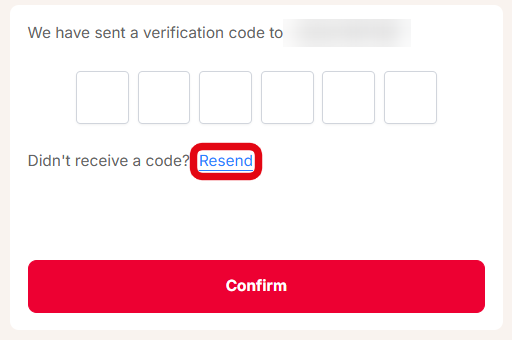
No code by e-mail?
- Check your junk or spam folder.
- Check the e-mail address shown on the screen. If it contains a typo, start again.
- Wait a few minutes and click Resend.
No code by SMS?
- Check the country code (the flag) and your number. Enter your number without the leading 0, for example +32 474 12 34 56.
- Check that your phone has reception. An SMS can take a few minutes to arrive.
- Click Resend.
Still not working? Call us on +32 3 827 21 31 or e-mail info.moyersoen@auctim.be.
Related: How do I create an account? · I'm having trouble registering
Was this article helpful?
That’s Great!
Thank you for your feedback
Sorry! We couldn't be helpful
Thank you for your feedback
Feedback sent
We appreciate your effort and will try to fix the article