How do I change my details?
You change your personal details via the red button with your name at the top right: Your Account > General information. There you use Change to update your name, e-mail address, mobile number, password and language.
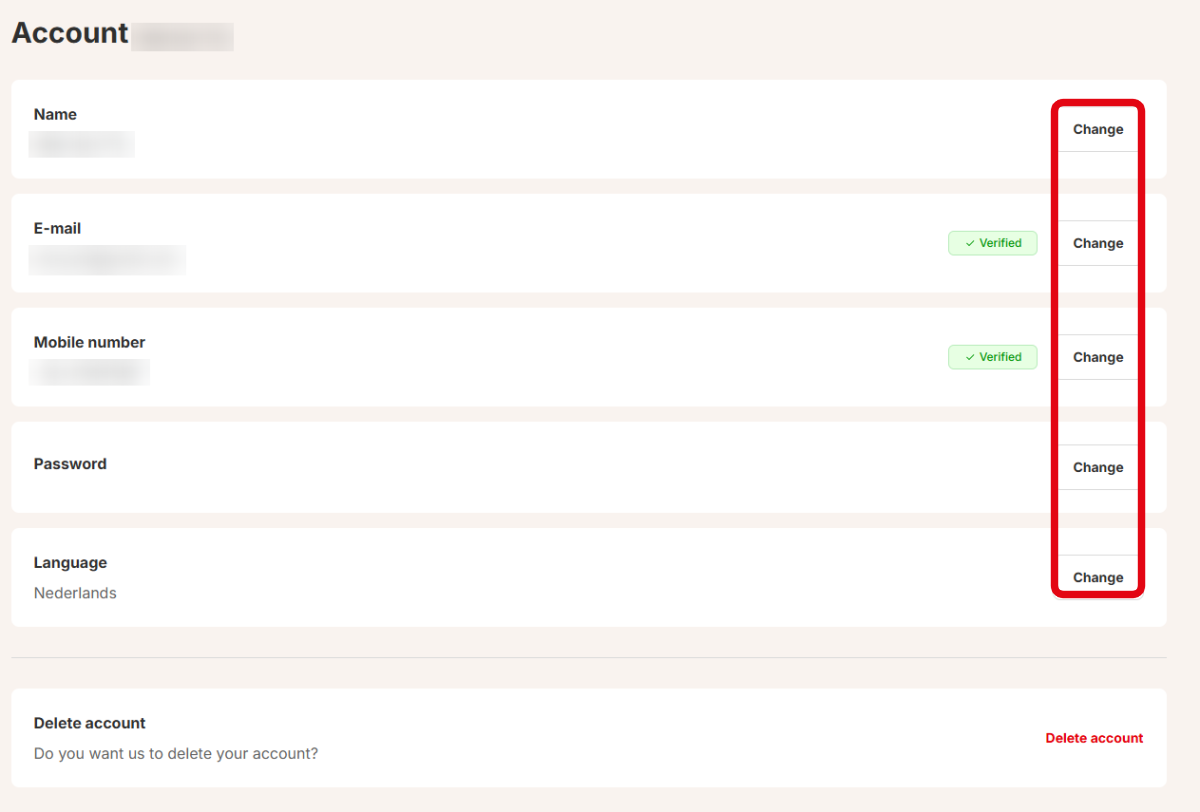
New e-mail address? We send a verification code to your new e-mail address. Enter that code, confirm with your current password and click Save. This way we know it is really you making the change, since you log in with that e-mail address.
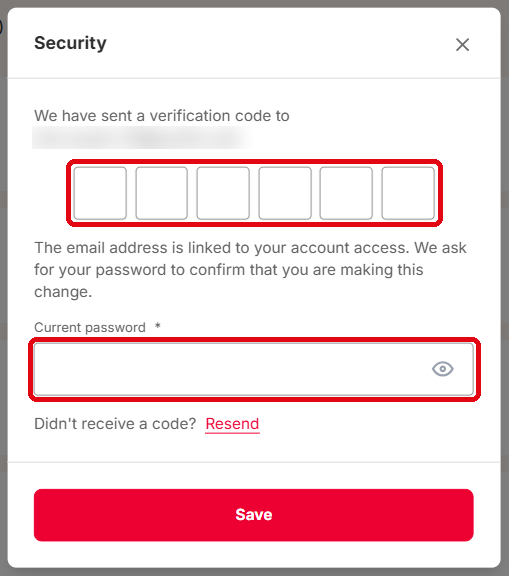
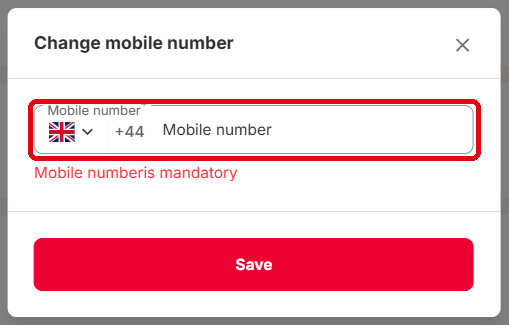
New mobile number? We send a verification code by SMS to your new number. Enter it and click Save.
No code received? Click Resend or read I'm not receiving a verification code.
You change your billing address and, for a company profile, the company details per bidding profile. This also applies to your personal profile. Click the red button with your name at the top right and go to Your Account > Bidding profiles: click the three dots next to the profile and choose Edit details.
There you can change the address, and for a company profile also the company name and the EORI number. Then click Save.
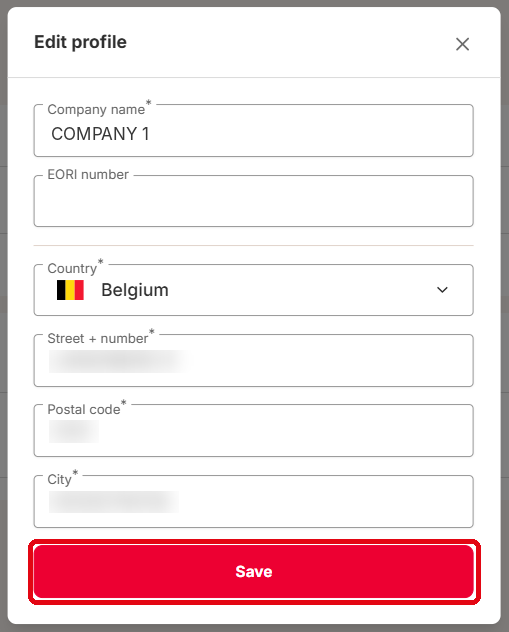
The VAT number of a profile cannot be changed. Buying for another company? Then add a new company profile. See How do I create a company profile?
Was this article helpful?
That’s Great!
Thank you for your feedback
Sorry! We couldn't be helpful
Thank you for your feedback
Feedback sent
We appreciate your effort and will try to fix the article