How do I pay the deposit?
You pay the deposit online while bidding, via our secure payment platform Stripe.
- In the Safe and Reliable Bidding window, click Pay.
- Choose your payment method and complete the payment.
- You return to the auction and can continue bidding right away.
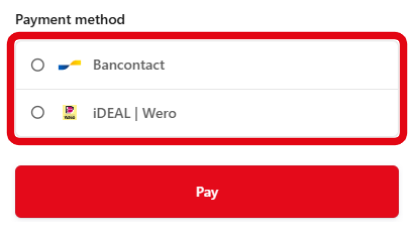
Which payment methods you see depends on your country:
- Bancontact for Belgian bidders, with a regular bank card
- iDEAL | Wero for Dutch bidders
- Credit card for bidders from other countries
Paying by bank transfer is not possible.
Your company card doesn't work? You may also pay the deposit with a personal bank card, even if you bid with a company profile. You will get the deposit back later anyway.
Related: When do I have to pay a deposit, and how much? · How do I request a refund of my deposit?
Was this article helpful?
That’s Great!
Thank you for your feedback
Sorry! We couldn't be helpful
Thank you for your feedback
Feedback sent
We appreciate your effort and will try to fix the article