How do I request a refund of my deposit?
You request your deposit back yourself, whenever it suits you. Auctim cannot refund a deposit on its own: without a request, the amount stays on your account.
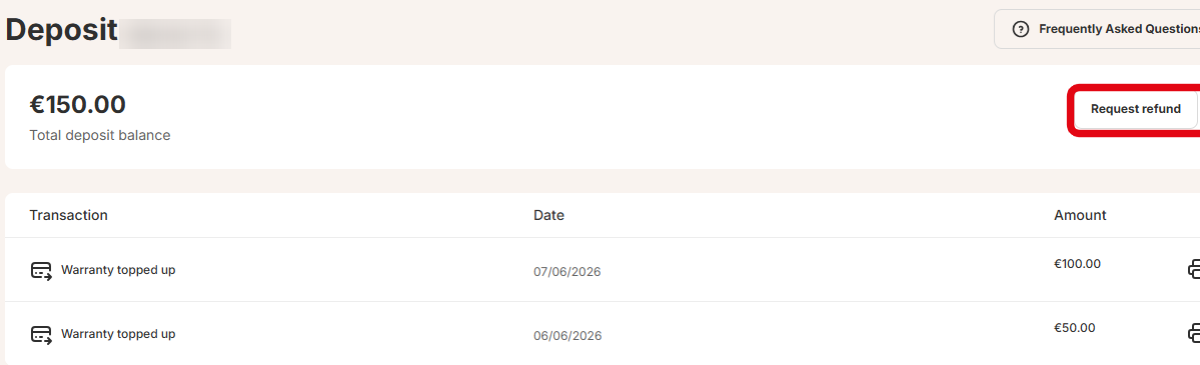
- Click the red button with your name at the top right and choose Deposit.
- Check that the right bidding profile is active.
- Click Request refund.
We refund your deposit automatically if:
- you have no open invoices;
- you have collected all purchased goods;
- you have no open tickets about bids or purchases;
- you are not the highest bidder on lots that are still running.
If you meet these conditions, the amount will be in your account within 8 days.
Do you have several bidding profiles? Request the refund per profile: first switch to the profile you paid the deposit with.
Related: Why hasn't my deposit been refunded yet? · Does my deposit apply to all my bidding profiles?
Was this article helpful?
That’s Great!
Thank you for your feedback
Sorry! We couldn't be helpful
Thank you for your feedback
Feedback sent
We appreciate your effort and will try to fix the article