What is a bidding profile?
A bidding profile determines in whose name you bid and in whose name your invoice is issued. You have one account (one e-mail address and password) with one or more bidding profiles.
- Personal profile: you bid as a private individual, in your own name. You can have one.
- Company profile: you bid in the name of a company with a VAT number. You can add as many as you like, for example if you buy for several companies.
Each profile has its own customer number, its own invoices and its own deposit. Without a bidding profile you cannot bid.
You find your profiles under Your Account > Bidding profiles: click the red button with your name at the top right and choose Bidding profiles.
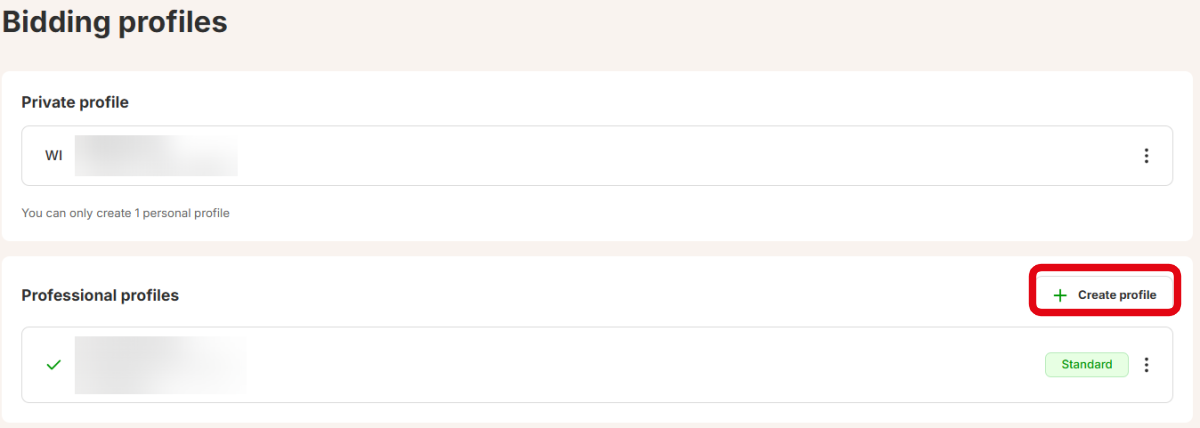
Please note: you can only create one account per e-mail address. Do you want to bid both privately and for your company? Do not create a second account, but add a company profile to your existing account.
Related: How do I create a company profile? · How do I switch bidding profiles? · Does my deposit apply to all my bidding profiles?
Was this article helpful?
That’s Great!
Thank you for your feedback
Sorry! We couldn't be helpful
Thank you for your feedback
Feedback sent
We appreciate your effort and will try to fix the article