How do I deactivate a bidding profile?
No longer using a profile, for example because your company has closed? Then you can deactivate it.
- Click the red button with your name at the top right and go to Your Account > Bidding profiles.
- Click the three dots next to the profile.
- Choose Deactivate profile.
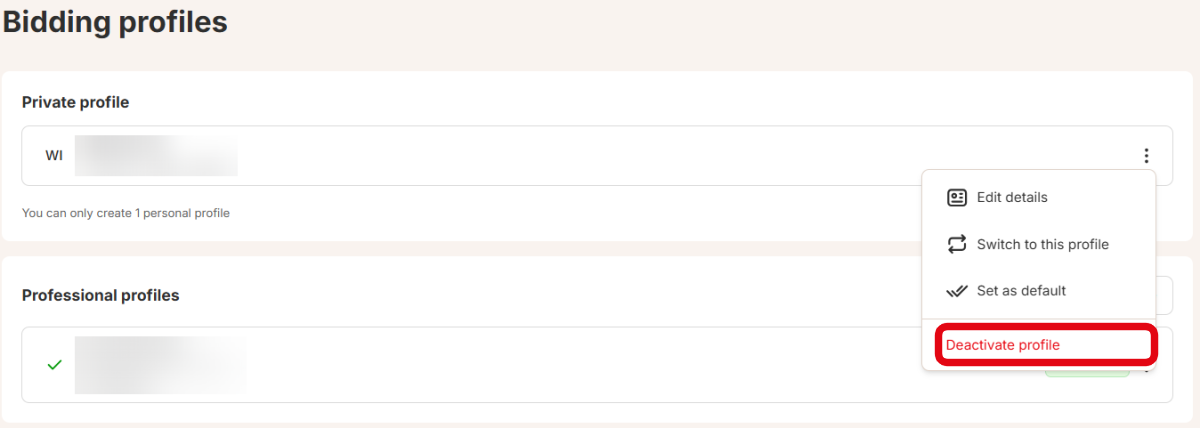
Please note: you can only deactivate a profile when it has no ongoing bids, open invoices or deposit left. Do you still have a deposit on that profile? Request it back first via the red button with your name at the top right: Your Account > Deposit. See How do I request a refund of my deposit?
Did you deactivate a profile online yourself? Then you can reactivate it later in Your Account > Bidding profiles.
Do you want to delete your entire account? Read How do I delete my account?
Was this article helpful?
That’s Great!
Thank you for your feedback
Sorry! We couldn't be helpful
Thank you for your feedback
Feedback sent
We appreciate your effort and will try to fix the article